
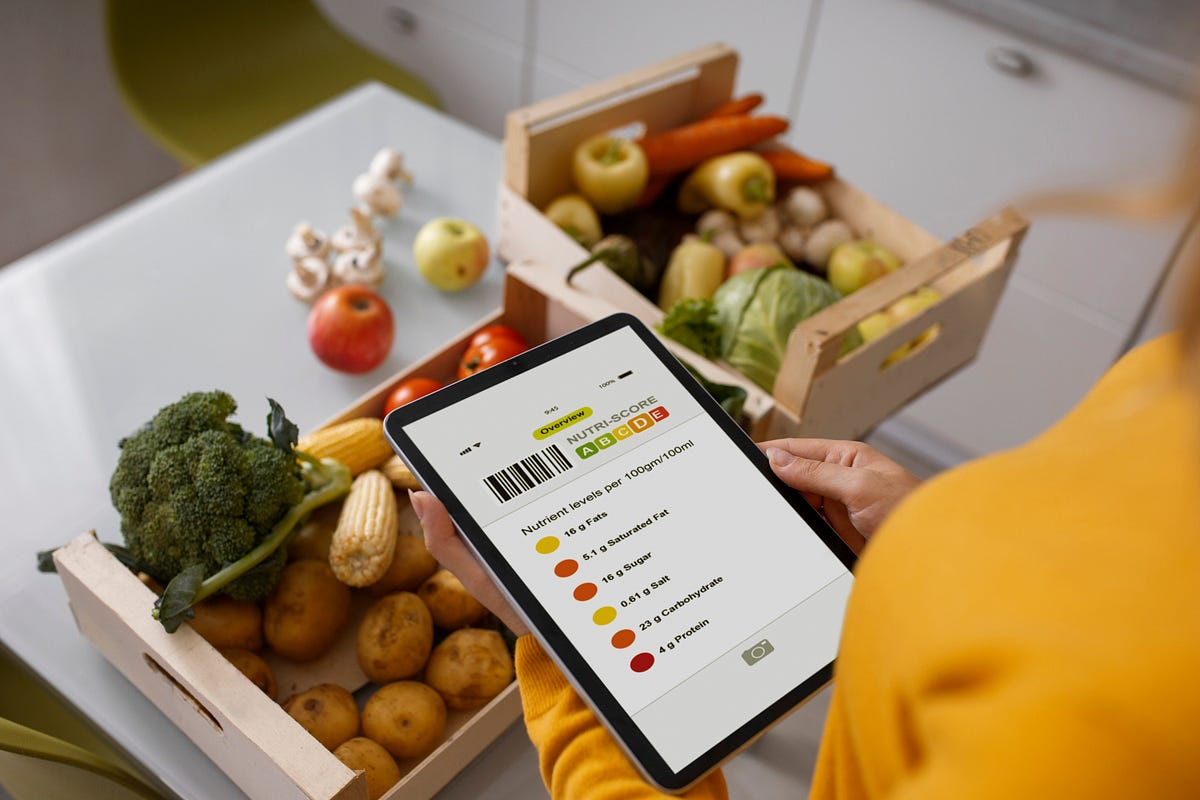
Smartphone apps have become an important part of everyday life. People use apps for communication, education, work, shopping, entertainment, travel, banking, fitness, organization, and many other activities. With millions of applications available across different platforms, finding the right app can sometimes be difficult.
A useful app should solve a real problem, provide reliable features, protect your information, and offer a good user experience. However, an application being popular does not automatically mean it is the best choice for everyone.
Learning how to search for, evaluate, and compare apps can help you avoid unnecessary downloads and choose applications that genuinely improve your daily routine.
1. Identify What You Need
Before searching for an app, decide what problem you want to solve.
For example, you might need an app for managing tasks, editing photographs, learning a language, tracking expenses, storing files, or communicating with other people.
Clearly identifying your goal makes it easier to find relevant applications and prevents you from downloading apps that you do not really need.
2. Search Official App Stores
The safest place to begin your search is usually the official app store for your device.
Official app stores generally provide information about the developer, application description, ratings, reviews, screenshots, permissions, and update history.
Avoid downloading applications from random websites simply because they appear at the top of a search result.
3. Read the App Description
Before installing an application, read its description carefully. The description should explain what the app does and what features it provides.
Check whether the application actually meets your requirements.
Be cautious if the description makes unrealistic promises or uses exaggerated claims without explaining how the application works.
4. Check User Reviews
Reviews can provide useful information about an application’s performance and reliability.
Do not look only at the overall rating. Read several recent reviews to understand what users are experiencing.
Look for repeated complaints about crashes, advertisements, subscription problems, privacy issues, or missing features.
Remember that reviews can sometimes be misleading, so use them as one part of your decision rather than the only source of information.
5. Check the Developer
The developer behind an application can provide useful clues about its reliability.
Look at the developer’s name and other applications. Established developers with a history of maintaining their products may provide more confidence than unknown developers with no clear information.
If an application claims to belong to a well-known company, verify that the developer information matches the official company.
6. Review the Update History
A regularly updated application is generally easier to trust than one that has not received an update for a very long time.
Updates may include bug fixes, new features, compatibility improvements, and security patches.
Check when the application was last updated and whether the developer appears to maintain it regularly.
An old app is not automatically unsafe, but a lack of maintenance can become a concern.
7. Check App Permissions
Applications may request access to your camera, microphone, contacts, location, photos, files, or other information.
Review these permissions before installation.
Ask yourself whether each permission makes sense for the app’s purpose. For example, a navigation application may reasonably require location access, while a simple calculator may not need access to your contacts.
Avoid granting unnecessary permissions whenever possible.
8. Review Privacy Information
Privacy is an important part of choosing an application.
Check what information the app collects, how it uses that information, and whether it shares data with third parties.
You do not need to understand every technical detail, but you should be aware of the type of information the application may collect.
Be especially careful with applications that handle financial information, personal documents, photographs, location data, or private communications.
9. Compare Similar Apps
Do not automatically install the first application you find.
Search for several alternatives and compare their features, ratings, privacy practices, pricing, and update history.
One app may provide more features, while another may be simpler and easier to use.
Comparison can help you find an application that better matches your specific needs.
10. Check Pricing and Subscriptions
Some applications are free to install but offer paid subscriptions or in-app purchases.
Read the pricing information carefully before starting a trial or subscription.
Check how much the service costs after the trial period and whether the subscription renews automatically.
Do not enter payment information unless you understand what you are purchasing.
11. Avoid Suspicious Free Apps
An application being free does not automatically make it a good choice.
Be cautious when an app promises premium features, expensive services, or unrealistic results completely free of charge.
Some questionable applications may contain excessive advertising, collect unnecessary information, or provide very little useful functionality.
Look for reputable alternatives instead.
12. Consider the App Size
The size of an application can matter if your smartphone has limited storage or you use a restricted mobile data plan.
Large applications can consume significant storage space and may require additional downloads after installation.
Check whether the app’s size is reasonable for the features it provides.
13. Look at Screenshots and Videos
Screenshots can help you understand how an application looks and works before installing it.
Pay attention to the interface, menus, features, and overall design.
If an application provides an official demonstration video, it can also help you determine whether the app is suitable for your needs.
However, remember that promotional screenshots may not always represent the complete user experience.
14. Search for Independent Reviews
App store reviews are useful, but independent reviews can provide additional information.
Look for reviews from reputable technology websites, publications, or experienced users.
Independent comparisons can help identify differences between similar applications and reveal potential problems that may not be obvious from the app store listing.
15. Check Compatibility
Before installing an app, check whether it works with your device and operating system.
Some applications require a specific operating system version, amount of storage, or hardware capability.
Compatibility information can help you avoid downloading an application that will not function properly.
16. Look for Offline Features
If you frequently travel or have limited internet access, offline functionality can be valuable.
Some applications allow users to download maps, documents, lessons, music, or other content for offline use.
Consider whether offline access is important for your particular needs before choosing an app.
17. Test the App Carefully
After installing an application, spend some time testing it.
Check whether the features work as expected, whether the interface is easy to understand, and whether the application contains unexpected advertisements or notifications.
If an app behaves suspiciously or requests unnecessary permissions, consider uninstalling it.
18. Monitor Battery and Data Usage
Some applications can use significant amounts of battery, mobile data, or background processing.
After installing a new app, check whether your device’s battery or data usage changes significantly.
If an application consumes excessive resources without a clear reason, investigate its settings or consider finding an alternative.
19. Keep Useful Apps Updated
Once you find an application that you rely on, keep it updated.
Updates can provide bug fixes, security improvements, compatibility changes, and new features.
Enable automatic updates if that works well for your device and data plan, or review available updates regularly.
20. Remove Apps You No Longer Need
Your smartphone does not need to contain every app you have ever downloaded.
Review your installed applications regularly and remove those you no longer use.
Uninstalling unnecessary apps can free storage space and reduce the number of applications that have access to your information.
It can also make your device easier to organize.
Common Mistakes When Choosing Apps
One common mistake is choosing an app only because it has a high download count. Popularity does not always indicate quality or safety.
Another mistake is ignoring permissions and privacy information. Users sometimes accept every permission request without considering whether the app actually needs access.
Installing applications from unknown websites is another potential risk.
It is also important to avoid starting subscriptions without checking their pricing and renewal terms.
Final Thoughts
Finding useful apps requires more than searching for the most popular application. Start by identifying what you actually need, then compare several options before making a decision.
Check the developer, reviews, update history, permissions, privacy information, pricing, compatibility, and available features. Independent reviews can also help when several applications appear similar.
After installing an app, pay attention to how it behaves. Monitor battery and data usage, review permissions, and remove applications that you no longer need.
The best app is one that solves a real problem while providing a reliable, secure, and convenient experience. By taking a few minutes to evaluate applications before downloading them, you can build a useful collection of apps without unnecessary clutter or avoidable security risks.