
Cyber security has become an important part of everyday life. People use smartphones, computers, websites, online banking, social media, cloud services, and messaging applications for many different activities. As more personal and financial information moves online, protecting digital accounts and devices has become increasingly important.
Cybercriminals use different methods to steal information, access accounts, spread malware, and trick users into sending money or revealing sensitive details. Many attacks do not require advanced technical skills from the victim. A simple mistake, such as clicking a suspicious link or using the same password on multiple websites, can create a security problem.
The good news is that many cyber security risks can be reduced by following basic security practices. The following tips can help protect your accounts, devices, personal information, and online activities.
1. Use Strong and Unique Passwords
Strong passwords are one of the most important parts of cyber security. Avoid passwords based on easily available information such as your name, birthday, phone number, or common words.
Use long and unique passwords for important accounts. Each account should have its own password. Reusing one password across multiple services can create a major risk because if one website experiences a data breach, attackers may try the same password on other websites.
A password manager can make it easier to create and store strong passwords. Instead of remembering dozens of passwords, you only need to protect the password manager with a strong master password.
2. Enable Two-Factor Authentication
Two-factor authentication adds another security layer to your accounts. Instead of relying only on a password, the service requires another verification method during login.
Depending on the service, this can include an authentication application, security key, or verification code. Two-factor authentication can help protect an account even when someone discovers the password.
Enable this feature on your email, banking, social media, cloud storage, and other important accounts whenever it is available.
3. Keep Software Updated
Software updates often contain important security fixes. Cybercriminals may try to exploit weaknesses in older versions of operating systems, browsers, applications, and plugins.
Keep your smartphone, computer, browser, and applications updated. Enable automatic updates when appropriate so important security patches can be installed without unnecessary delays.
Using outdated software can increase the risk of malware infections and unauthorized access.
4. Learn to Recognize Phishing
Phishing is a common technique used to trick people into providing sensitive information. Attackers may send emails, text messages, or social media messages that appear to come from legitimate organizations.
A message might claim that your account has a problem, a payment has failed, or you need to verify your identity immediately. The goal is often to make you click a malicious link or provide confidential information.
Before clicking a link, carefully check the sender and website address. If you receive an unexpected request from a company, visit its official website directly instead of using the link in the message.
5. Protect Your Personal Information
Personal information can be valuable to cybercriminals. Your name, phone number, address, email address, photographs, date of birth, and other details can sometimes be used for scams or identity theft.
Avoid sharing unnecessary personal information publicly. Review the privacy settings on social media accounts and limit who can see your profile information.
Think carefully before posting information about your location, travel plans, workplace, family, or daily routine.
6. Secure Your Home Wi-Fi
Your home network connects many devices to the internet, including phones, computers, smart televisions, cameras, and other connected devices.
Change the default administrator password on your router and use a strong Wi-Fi password. Keep the router’s firmware updated when updates are available.
Use modern wireless security settings supported by your router. Avoid leaving your network completely open because unauthorized users could potentially connect to it.
7. Be Careful With Public Wi-Fi
Public Wi-Fi networks can be convenient, but users should be cautious when connecting to unknown networks.
Avoid performing sensitive activities on untrusted networks when possible. If you need to access an important account while using public Wi-Fi, make sure you are using the legitimate website or application.
Be especially careful with networks that have names similar to legitimate businesses. Attackers can sometimes create fake networks to trick people into connecting.
8. Download Files From Trusted Sources
Malware can be hidden inside applications, documents, games, browser extensions, and other files. Download software from official stores or trusted websites whenever possible.
Avoid suspicious downloads that require you to disable security features. Be particularly careful with pirated applications, unauthorized software packages, and unknown files shared through messaging platforms.
If you receive an unexpected attachment, verify it with the sender before opening it.
9. Protect Your Smartphone
Smartphones contain a large amount of personal information, including messages, photographs, contacts, emails, and financial applications.
Use a strong screen lock such as a PIN, password, fingerprint, or face recognition. Keep your operating system and applications updated.
Install applications only from trusted sources and review the permissions they request. If an application asks for access that does not appear necessary for its function, consider whether you really need to install it.
10. Secure Your Email Account
Your primary email account can be particularly important because it may be connected to many other online services. Someone who gains access to your email could potentially use password-reset functions to access additional accounts.
Use a unique password and enable two-factor authentication. Review recent login activity if your email provider offers this feature.
Check recovery email addresses, phone numbers, and other security settings regularly. Remove information or devices that you no longer recognize.
11. Avoid Suspicious Links
Not every link is safe. A malicious link may lead to a fake login page, scam website, or malware download.
Before clicking a link, consider where it came from and whether you were expecting it. Be careful with shortened URLs and links received from unknown accounts.
If someone sends you a link asking you to log in, open the official website manually rather than entering your credentials through the provided link.
12. Use Secure Websites
When entering sensitive information online, check that you are using the legitimate website. Look at the domain name carefully because scammers may create websites with addresses that look similar to legitimate services.
HTTPS provides encryption between your browser and the website, but it does not automatically mean that the website itself is trustworthy. A fraudulent website can also use HTTPS.
Always verify the domain before entering passwords, payment details, or other sensitive information.
13. Back Up Important Files
Cyber security also involves preparing for situations where something goes wrong. Malware, hardware failure, accidental deletion, theft, and other problems can cause data loss.
Regularly back up important documents, photographs, videos, and work files. You can use external storage or a reliable cloud backup service.
Keep important backups protected from unauthorized access. Having a separate backup can make recovery much easier after a serious security incident.
14. Be Careful With Online Shopping
Online shopping scams can involve fake stores, counterfeit products, fraudulent payment pages, and unrealistic offers.
Before buying from an unfamiliar website, research the business and check its contact information, reputation, and policies. Be cautious when a website offers expensive products at unusually low prices.
Never send payment information to someone simply because they contacted you through social media or messaging applications.
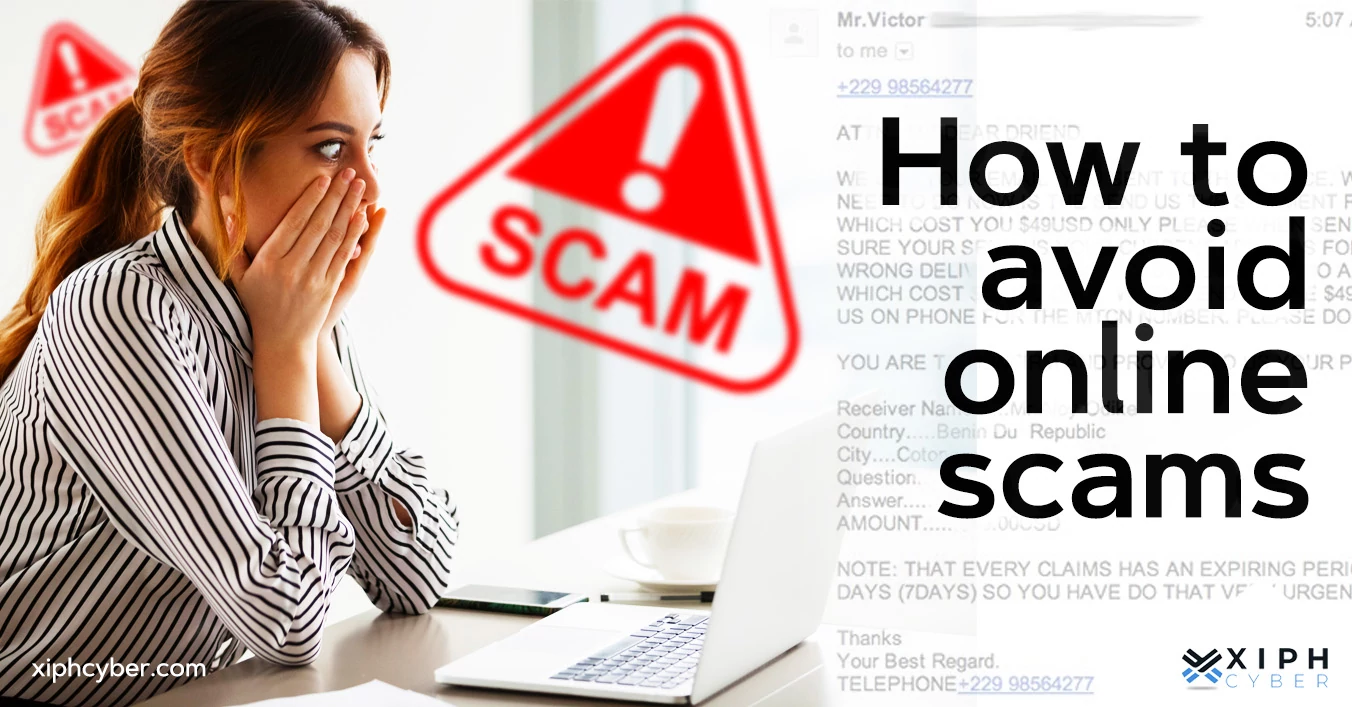
15. Watch for Online Scams
Scammers often create situations designed to make people act quickly. They may promise prizes, jobs, investments, discounts, or financial opportunities.
Other scams may involve someone pretending to be a friend, family member, company employee, bank representative, or technical support agent.
If someone unexpectedly asks for money, passwords, verification codes, gift cards, or cryptocurrency, stop and verify the request through another trusted communication method.
16. Secure Your Social Media Accounts
Social media accounts can contain a significant amount of personal information. Use strong passwords and enable two-factor authentication.
Review your privacy settings and limit access to personal information. Be careful when accepting requests from people you do not know.
Avoid sharing sensitive information in public posts or private messages. Remember that screenshots can preserve information even after a post or message has been deleted.
17. Use Security Software
Security software can provide additional protection against certain types of malware and suspicious activity. Keep built-in security features enabled and make sure security software is updated.
However, security software should not replace good online habits. Users still need to recognize suspicious messages, avoid unsafe downloads, and protect their passwords.
18. Monitor Your Accounts
Regularly check your important online accounts for unusual activity. Look for unfamiliar login locations, unknown devices, unexpected password changes, or transactions you do not recognize.
If you notice suspicious activity, change the affected password and secure the account immediately. Contact the relevant service or financial institution when necessary.
Early detection can reduce the potential damage caused by unauthorized access.
19. Secure Your Devices Physically
Cyber security is not limited to online threats. Physical access to your computer or smartphone can also create security risks.
Use a screen lock and avoid leaving devices unattended in public places. Do not allow unknown people to use your personal computer without supervision.
If a device is lost or stolen, use available account and device-management features to protect or remotely secure your information.
20. Think Before You Click
One of the most effective cyber security habits is simply slowing down before taking action.
Unexpected messages, urgent warnings, unbelievable offers, and requests for sensitive information deserve extra attention. Instead of reacting immediately, verify the information through an official source.
A few seconds of careful checking can prevent serious security problems.
Final Thoughts
Cyber security is not only the responsibility of security professionals or large companies. Every internet user has a role to play in protecting personal information and digital accounts.
Using strong passwords, enabling two-factor authentication, updating software, recognizing phishing attempts, securing Wi-Fi, protecting personal information, and backing up important files can significantly improve your online security.
The most important habit is to remain cautious. Cyber threats continue to change, but attackers often rely on the same basic weaknesses: weak passwords, outdated software, careless clicking, and rushed decisions.
By developing good security habits and staying informed about common threats, you can reduce your exposure to cyberattacks and use the internet with greater confidence.