The internet has become an important part of everyday life. People use it for communication, education, shopping, banking, entertainment, work, and social media. While the internet provides many useful opportunities, it also comes with risks. Cybercriminals, scammers, hackers, malicious websites, and data thieves can target users who do not take basic security precautions.
Staying safe online does not require advanced technical knowledge. Simple habits such as using strong passwords, enabling two-factor authentication, avoiding suspicious links, updating software, and protecting personal information can make a major difference. Understanding common online threats is also important because many attacks depend on users making quick decisions without checking the information first.
Use Strong and Unique Passwords
One of the easiest ways to improve online security is to use strong passwords. A password should be difficult for other people to guess. Avoid using simple information such as your name, birthday, phone number, or common words.
It is also important to use a different password for every important account. If you use the same password everywhere and one website suffers a data breach, criminals may try that password on your other accounts.
Long passwords are generally better than short passwords. You can create a memorable passphrase using several unrelated words and add numbers or symbols when appropriate. A password manager can also help generate and store unique passwords without requiring you to remember every password.
Enable Two-Factor Authentication
Two-factor authentication, commonly called 2FA, provides an additional layer of protection. With 2FA enabled, logging into an account usually requires both your password and another verification method.
Depending on the service, the second step may involve an authentication app, security key, or verification code. Even if someone discovers your password, they may still be unable to access your account without the second factor.
Enable 2FA on important accounts first, especially your primary email, financial accounts, social media profiles, and cloud storage accounts.
Be Careful With Phishing Messages
Phishing is one of the most common online threats. A phishing message attempts to trick you into revealing information such as passwords, payment details, or account credentials.
Phishing messages can arrive through email, text messages, social media, messaging applications, or fake websites. They may pretend to come from a bank, delivery company, government organization, employer, friend, or popular online service.
Be especially careful when a message creates a sense of urgency. Statements such as “your account will be closed today” or “verify your payment immediately” are often designed to make people act before thinking.
Before clicking a link, check the sender and destination carefully. If you receive an unexpected message about an account, open the official website or application yourself instead of using the link provided in the message.
Keep Your Software Updated
Software updates are not only about adding new features. They often include security fixes that protect devices from known vulnerabilities.
Keep your operating system, web browser, applications, and security software updated. Turn on automatic updates when they are available and practical.
Old software can contain vulnerabilities that attackers already know how to exploit. Updating your devices regularly reduces this risk and helps maintain better overall security.
Protect Your Personal Information
Personal information can be valuable to criminals. Information such as your full name, phone number, address, email address, date of birth, photographs, and account details can sometimes be used for scams or identity theft.
Think carefully before sharing personal information online. Social media posts can reveal more than expected, especially when multiple pieces of information are combined.
Review the privacy settings of your social media accounts and decide who can see your posts, profile information, contact details, and photographs. Avoid publicly sharing information that could be used to answer security questions or impersonate you.
Shop Carefully Online
Online shopping is convenient, but users should verify websites before entering payment or personal information. Be cautious when an unfamiliar website offers expensive products at prices that seem unrealistic.
Check the website address carefully and look for signs that the business is legitimate. Avoid entering payment information on suspicious websites or through links received in unexpected messages.
When possible, use trusted payment methods that provide transaction protection. Monitor your bank and payment accounts regularly so that unusual transactions can be identified quickly.
Be Careful on Public Wi-Fi
Public Wi-Fi can be useful in airports, hotels, cafes, libraries, and other locations. However, users should be cautious when connecting to networks they do not control.
Avoid performing highly sensitive activities on unknown networks when possible. If you need to access an important account, make sure the website uses HTTPS and consider using a trusted VPN when appropriate.
Also remember that a network name does not prove that a Wi-Fi connection is legitimate. Attackers can sometimes create networks with names that look similar to legitimate public networks.
Download Apps and Files Carefully
Malicious software can be disguised as useful applications, documents, browser extensions, games, or other downloads. Download software from official app stores or trusted sources whenever possible.
Be suspicious of websites that ask you to disable security features before downloading a file. Avoid pirated software and unknown programs because they can contain malware or other unwanted components.
Before opening an unexpected attachment, verify who sent it and why. If you were not expecting the file, contact the sender through another trusted method before opening it.
Secure Your Social Media Accounts
Social media accounts contain valuable personal information and can also be used to contact your friends and family. Protect these accounts with strong, unique passwords and two-factor authentication.
Be careful about accepting friend or follow requests from unknown people. Fake profiles may be created to collect information, promote scams, or establish trust before attempting fraud.
Do not share sensitive information in public posts or private messages unless you are confident about who you are communicating with. Remember that screenshots can be saved and shared even after a message is deleted.
Recognize Online Scams
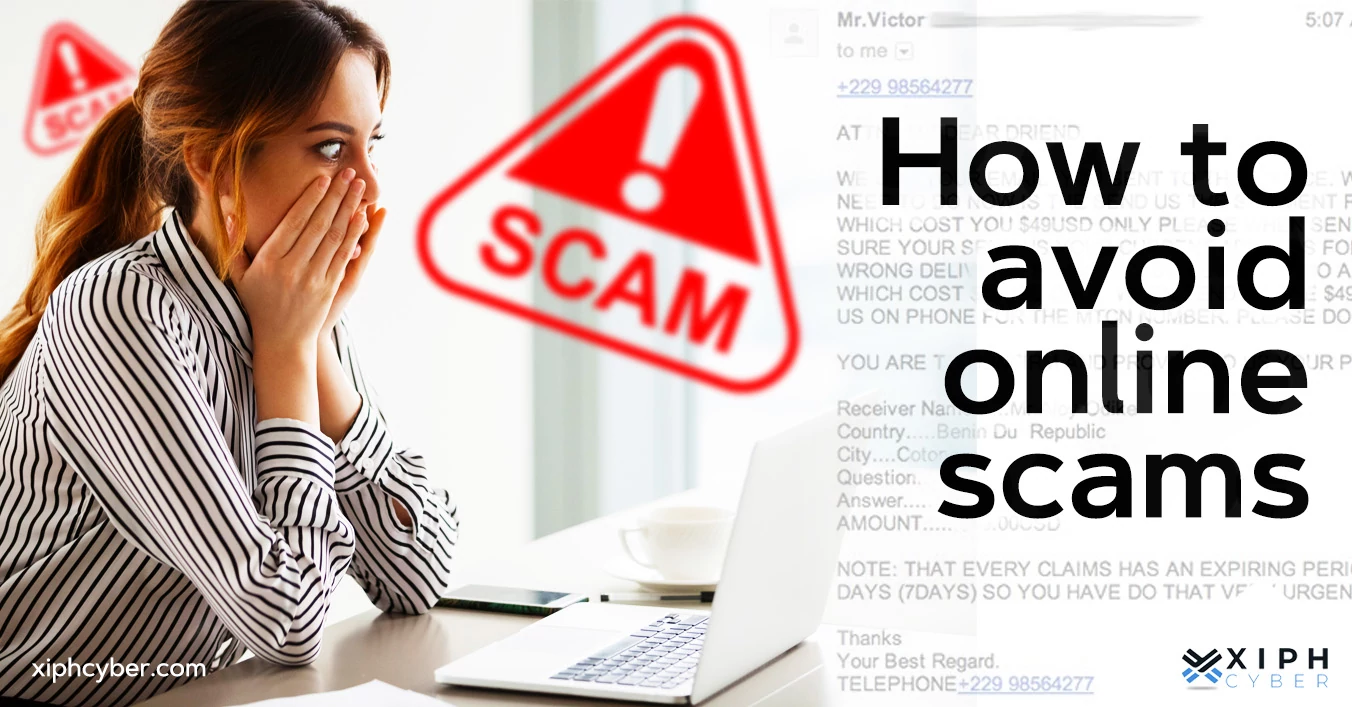
Online scams come in many forms. Some scammers promise prizes, investment opportunities, jobs, discounts, or financial returns. Others may pretend to be technical support representatives, friends, relatives, or company employees.
A common warning sign is a request for immediate payment, gift cards, cryptocurrency, passwords, verification codes, or other sensitive information.
Take time to verify unexpected requests. If someone claims to be a family member or colleague and asks for money, contact that person through a separate phone number or communication channel before sending anything.
Protect Your Email Account
Your email account deserves special attention because it can be connected to many other accounts. If someone gains access to your email, they may be able to reset passwords for other services.
Use a unique password and enable two-factor authentication. Review account recovery options and check for unfamiliar login activity when the service provides security information.
Be careful with links and attachments in emails, even when the message appears to come from someone you know. Their account could have been compromised.
Back Up Important Data
Security is not only about preventing attacks. It is also about being able to recover after something goes wrong.
Regularly back up important photographs, documents, work files, and other valuable data. You can use an external storage device, cloud backup service, or another reliable backup method.
For particularly important information, keeping more than one backup can provide additional protection. A backup can be extremely useful if your device is damaged, lost, stolen, or affected by malware.
Use Device Security Features
Modern smartphones and computers provide several built-in security features. Use a strong PIN, password, fingerprint, or face recognition to prevent unauthorized access.
Enable automatic screen locking and avoid leaving unlocked devices unattended in public places.
If your device supports encryption, keep it enabled. Device encryption can help protect stored information if the physical device is lost or stolen.
Be Careful With Browser Extensions
Browser extensions can provide useful features, but they may also request access to websites and browsing information. Install extensions only from trusted sources and review the permissions they request.
Remove extensions that you no longer use. If an extension suddenly begins displaying unusual advertisements, redirecting websites, or behaving differently, investigate it and consider removing it.
Teach Children About Online Safety
Children and teenagers spend significant amounts of time online, so learning basic security habits early is important. Explain why they should not share passwords, personal information, school details, or private photographs with strangers.
Encourage children to tell a trusted adult when they receive threatening, suspicious, or uncomfortable messages. They should understand that asking for help is better than trying to handle a serious online problem alone.
Parents can also use privacy and parental-control features when appropriate while teaching children how to make safer decisions independently.
What to Do If Your Account Is Compromised
If you believe an account has been hacked, act quickly. Change the password immediately and make sure the new password is unique. Enable two-factor authentication if it was not already enabled.
Review recent login activity and remove unfamiliar devices or sessions. Check account recovery settings and look for changes you did not make.
If the compromised account is connected to financial services, contact the relevant financial institution and monitor transactions carefully. You should also warn your contacts if your account has been used to send suspicious messages.
Final Thoughts
Staying safe online is an ongoing process rather than a single action. New scams and security threats appear regularly, but many successful attacks can be prevented by following basic security practices.
Use strong and unique passwords, enable two-factor authentication, keep your software updated, protect personal information, and think carefully before clicking links or downloading files. Be suspicious of unexpected requests for money, passwords, verification codes, or other sensitive information.
The most important online safety habit is to slow down when something feels urgent or unusual. Taking a few extra moments to verify a message, website, or request can prevent serious problems.
By developing these habits and staying aware of common threats, you can enjoy the benefits of the internet while significantly reducing the risks to your accounts, devices, personal information, and finances.